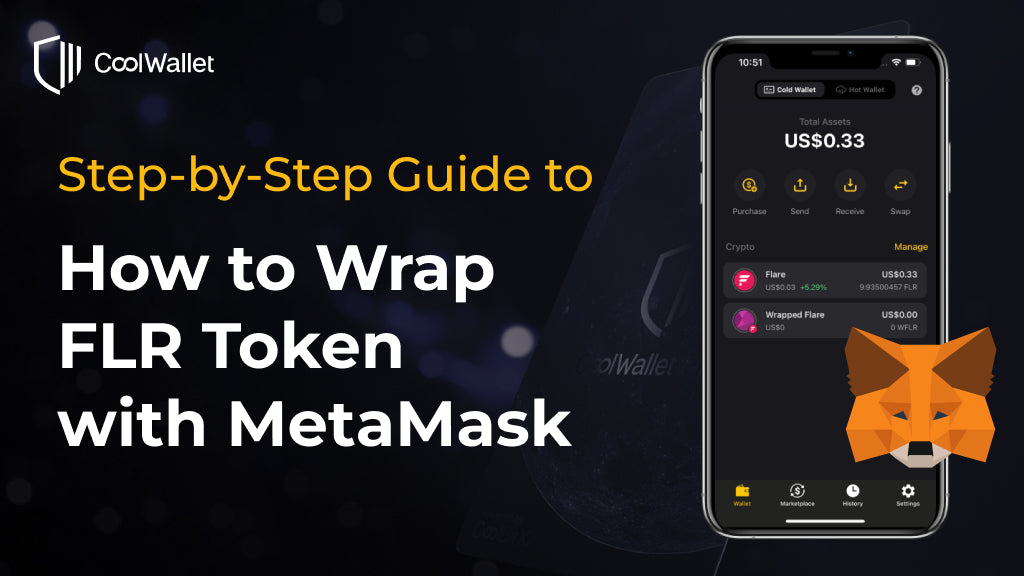
According to the Flare Improvement Proposal 01 (FIP.01), 85% of the Flaredrop distribution will be shared by all holders of wrapped FLR. CoolWallet will soon support the wrapped FLR (WFLR) token and Dapp connection via WalletConnect, allowing you to wrap your FLR directly using CoolWallet. Before the new feature is released, here is a step-by-step guide showing you how you can wrap your FLR using MetaMask.
Step 1. Make sure you have a MetaMask account. You can Install MetaMask on your browser.
Step 2. Go to ChainList.org and search for Flare network. Click on “Connect Wallet”.

Step 3. Select the wallet you want to connect to the ChainList and click on “Connect”.

Step 4. Please approve the request after checking the information. Then please switch to the Flare mainnet.

Step 5. Send the FLR you want to wrap from your CoolWallet to the Flare address on your MetaMask account.


Step 6. Go to the official Flare Network Portal (https://portal.flare.network/) and connect to the wallet using MetaMask. Normally a connection request will automatically show up. If not, you can click on the “Connect to Wallet” button on the top-right corner.

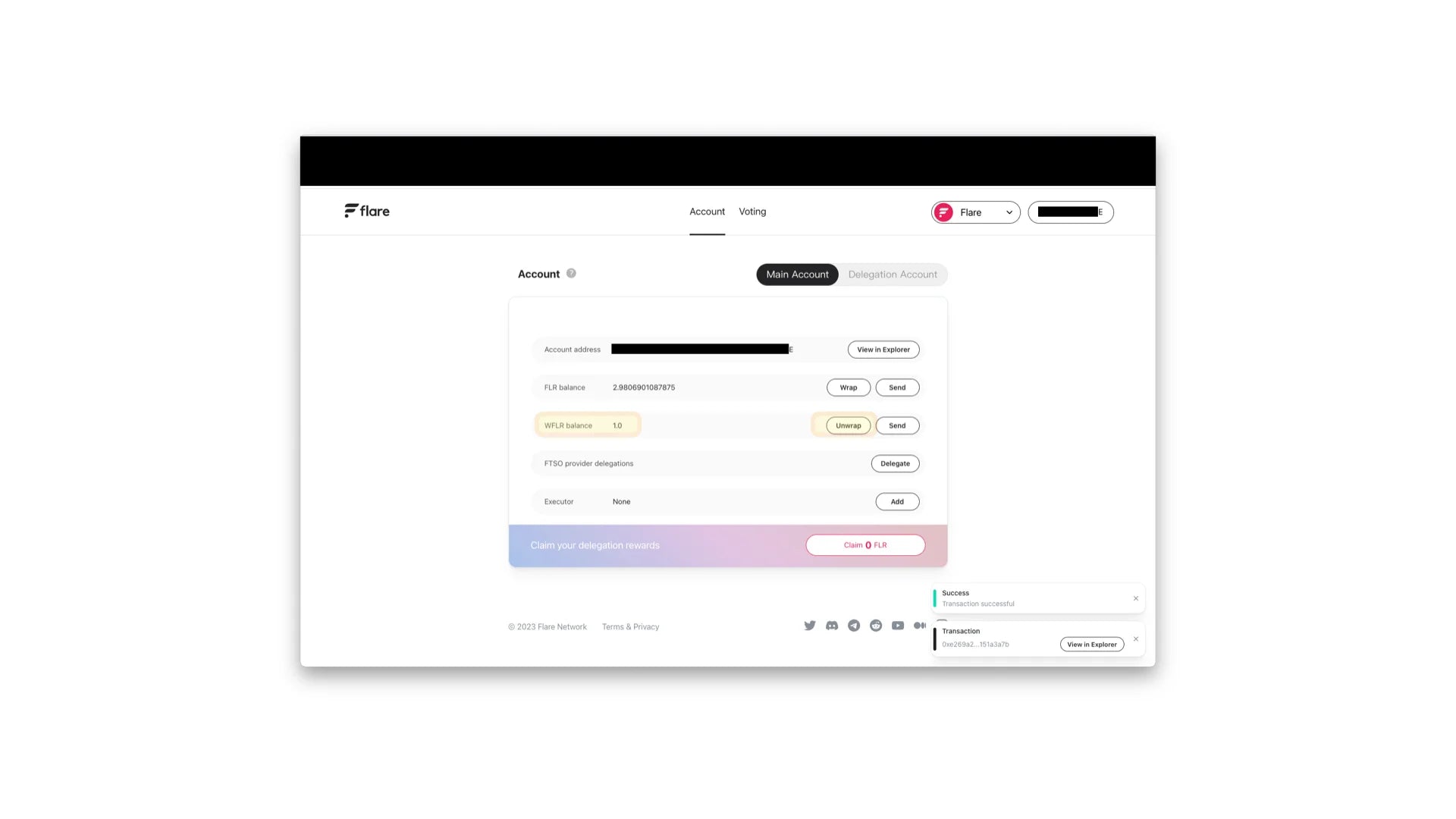
Step 7. You can check your FLR balance after the wallet is connected. Click “Wrap” for the next step.

Step 8. Type in the amount of FLR you want to wrap. It is recommended to leave some unwrapped FLR tokens to pay for transaction fees according to the official guide from the Flare Network.

Step 9. Please check the transaction details carefully and then click on “Confirm”.

Step 10. After you successfully wrap FLR, you can see your new WFLR balance on the official Flare Network Portal. You can also unwrap your FLR by clicking on “Unwrap” and approving the transaction.
If there are any other questions regarding FLR airdrop, please contact our customer support support@coolbitx.com.
![[Important Notice] Termination of Fiat On/Off-Ramp Services on CoolWallet App](http://www.coolwallet.io/cdn/shop/articles/CoolWallet_c02bf75b-a7f0-4b80-852f-a5bf2fc9fa68.webp?v=1779679214&width=900)

Share:
CoolWallet Supports Coinbase L2 Chain Base With Web3 Hardware Wallet and Anti-Phishing Protection
Ethereum Shanghai Upgrade (12 April 2023): ETHerything You Need to Know!