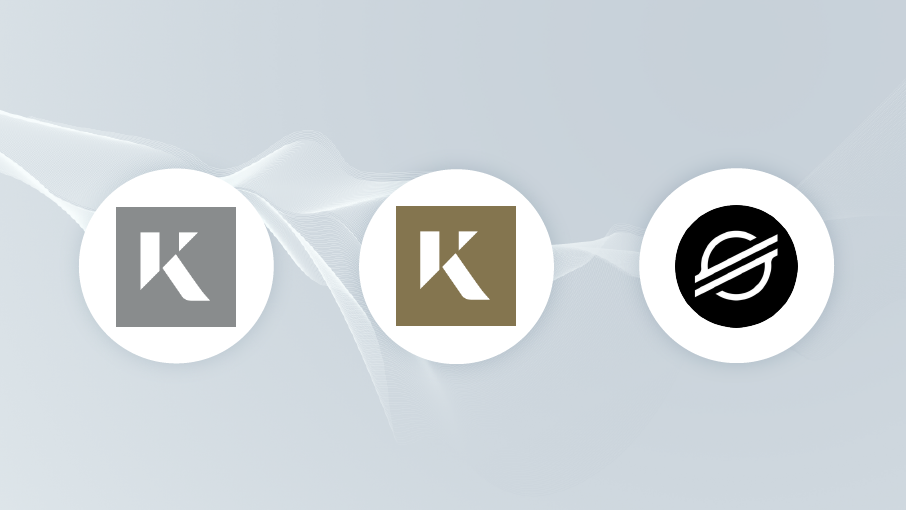
Since the recent integration of XLM and Kinesis coins to CoolWallet S, we have received both positive and more importantly, constructive feedback from the community in regards to the address derivation method that was implemented.
When first implemented, we utilized the BIP44 or Bitcoin Improvement Proposals method instead of the SLIP10 or Satoshi Labs Improvements Proposals method, which is used by many in the XLM and Kinesis community. We have since received some feedback in regards to a possible issue when performing a seed recovery in third-party wallets due to the differences in derivation addresses.
We have heard your concerns and are pleased to report that support for the SLIP10 method has been added in our latest update. After updating, a card reset and seed recovery is required to take advantage of both BIP44 and SLIP10 methods. To perform a seed recovery, please follow the steps below:
- Make sure your firmware and app have been updated to the latest version.
- Locate your seed backup card. If you cannot find it, please do not continue until you do.
- Perform a card reset.
- Perform the seed recovery.
Any XLM or Kinesis coin balances prior to updating will remain in BIP44. After updating, you may then choose any address you prefer to send and receive coin on. If there was no balance before the update, all transfers will automatically appear under SLIP10. Please note that wallets who only support SLIP10 will not see balances from the BIP44 address. You will need to transfer your funds accordingly before performing a seed recovery on a different wallet.

We are committed to continually improving CoolWallet S and all feedback from the community is greatly appreciated. If you have any other questions, you may contact our support team or visit our Help Center. Thank you so much for your continued support!
Share:
CoolWallet S: A Year in Review (2019)
Can Blockchain Save Our Privacy Before It Disappears?