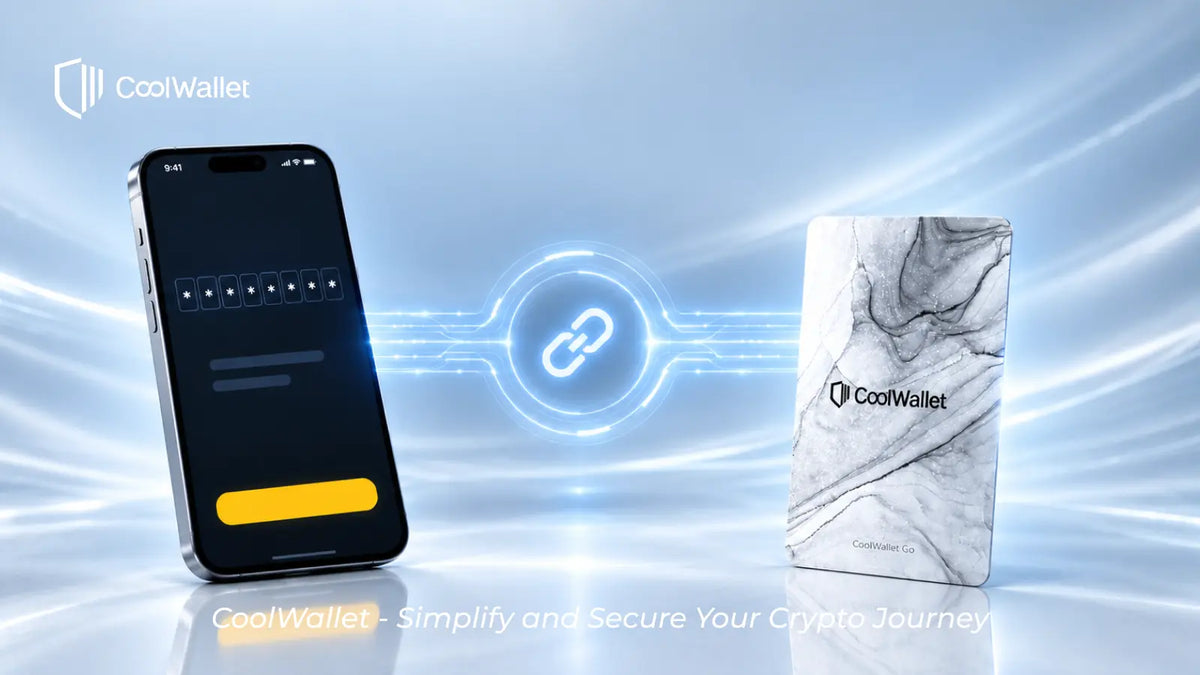

If you forget your CoolWallet Go pairing password, there is no way to re-pair your card with a new phone without it.

CoolWallet Go is designed with a self-custody security model, meaning users are fully responsible for managing their private keys and access credentials. For security reasons, CoolBitX cannot reset, retrieve, or bypass your pairing password.

If your wallet’s recovery phrase was generated by the card and you did not back it up, the card cannot be re-paired with any new device.

Your assets remain safely stored on the blockchain, but without the pairing password or recovery phrase, they cannot be accessed, managed, or transferred.

Key Reminder 💡 Always securely store your CoolWallet Go pairing password &CoolWallet Go Primary Card、Backup Card . It is essential for recovering your wallet on a new phone.

Latest Stories

View all

CoolWallet now supports the XRP Ledger RLUSD! Easily store, send, and manage your RLUSD.
  • by TeamProduct

CoolWallet Now Supports RLUSD: Securely Manage Your RLUSD

CoolWallet now supports the XRP Ledger RLUSD! Easily store, send, and manage your RLUSD.

Read moreabout CoolWallet Now Supports RLUSD: Securely Manage Your RLUSD

[Important Notice] Termination of Fiat On/Off-Ramp Services on CoolWallet App
  • by TeamProduct

[Important Notice] Termination of Fiat On/Off-Ramp Services on CoolWallet App

Thank you for your continued trust and support of CoolWallet. We are writing to inform you that the fiat on/off-ramp service within the CoolWallet App will be officially terminated on June 15, 2026.

Read moreabout [Important Notice] Termination of Fiat On/Off-Ramp Services on CoolWallet App

How to Stake Polkadot (DOT)
  • by TeamProduct

How to Stake DOT

Stake Polkadot (DOT) with CoolWallet to earn staking rewards. Enjoy full self-custody, hardware-level security, and easy mobile management today.

Read moreabout How to Stake DOT