

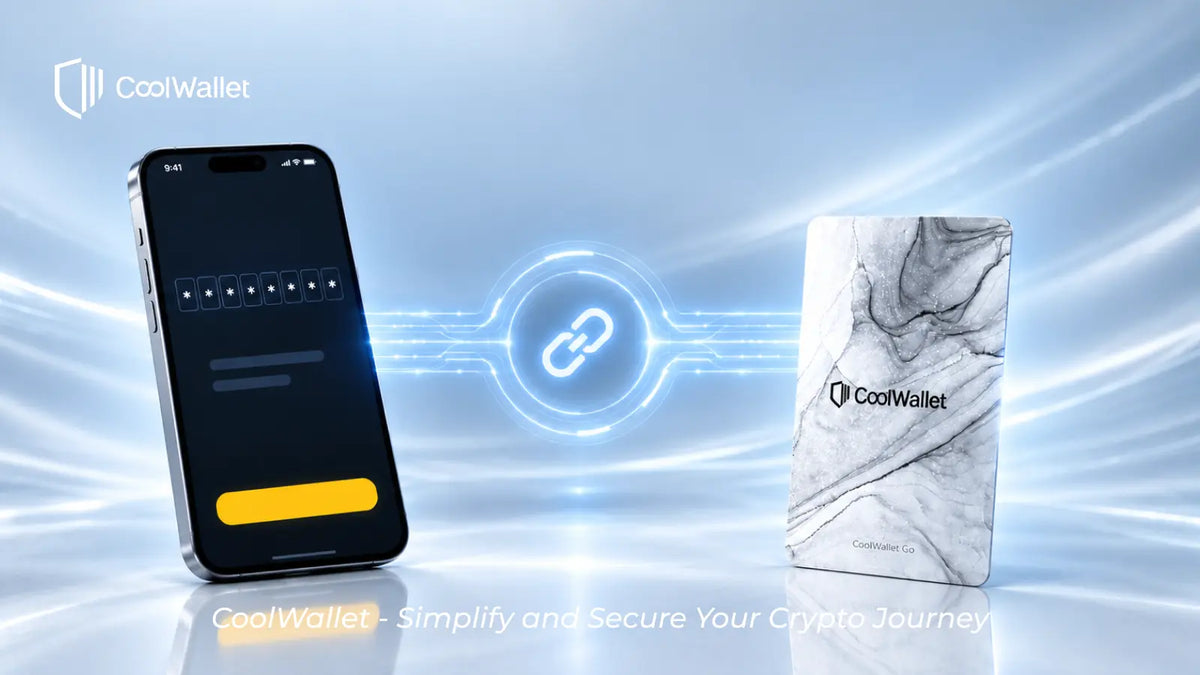
When you set up a wallet on CoolWallet Go, you create an 8-digit pairing password. You may rarely use it in your day-to-day life, but it plays an important role in keeping your assets safe. Here's what it does and how to keep it safe.
Start with how CoolWallet Go is built
When you create your wallet, CoolWallet Go offers two ways to generate your private key:

Each option gives you something different to keep safe
If you choose card backup, your recovery phrase is generated inside the card's chip and stays there. It never passes through your phone or appears on a screen, so there's no paper copy to lose or screenshot to leak. A written recovery phrase can be photographed, backed up to the cloud, or entered into a phishing site. This is one of the most common ways people lose crypto, and card backup removes that risk from the start.
Since there's no recovery phrase for you to keep, you need another way to prove the card is yours when pairing it with a new phone. That's what the pairing password is for.
What if you chose recovery phrase backup?
If you had the app generate a recovery phrase for you to write down, that phrase is what you need to keep safe. To restore your wallet on a new phone, you reset the card, set a new pairing password, and then enter your recovery phrase — keeping your recovery phrase safe is what really matters.
What the pairing password does
The pairing password is an 8-digit code you create when you set up your wallet. Its main purpose is to verify that the card is yours when you pair it with a new phone and restore your wallet.

Restoring your wallet requires both the card and the password — one without the other isn't enough
You won't need it for everyday transfers or balance checks. Most people only need to enter it again when they get a new phone, which may be several years later.
Not just for changing phones
CoolWallet Go comes as a pair: a main card and a backup card. Both hold the same private key, so if the main card is lost or damaged, the backup card can take over and keep your assets safe.
Whether you're promoting the backup card to become your new main card or managing the backup card through the multi-wallet feature, both actions require your pairing password.
In other words, the pairing password isn't something you set once and forget. If you switch to the backup card or change phones, you'll need it again.
How this design protects you
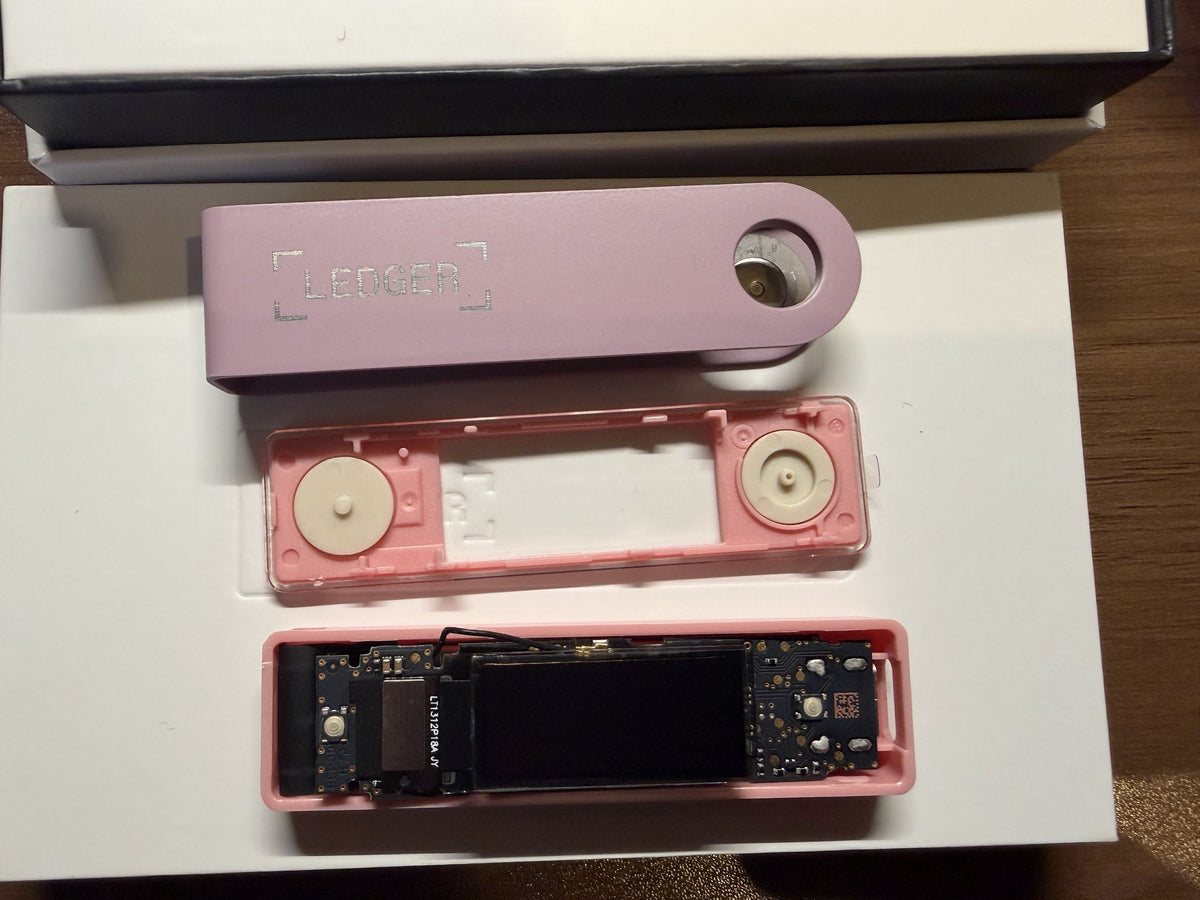
No unauthorized device can pair with your card without the correct pairing password. Pairing always requires the correct pairing password, and after five incorrect attempts, the card locks itself. Even if someone physically opens the card, the private key cannot be taken from the secure element — your assets remain protected.
Put simply: even if your card is lost or stolen, nobody can restore your wallet on their device or move your assets without your pairing password.

Three layers working together to protect your assets
Your assets stay yours
CoolWallet Go is a self-custody wallet. Your private key stays in your card's chip, and only you know your pairing password. CoolWallet does not have access to either one. Nobody — including us — can move your assets without your approval.
How to look after your pairing password
Because CoolWallet Go keeps your recovery phrase inside the card, there's nothing to write down and no paper backup to lose. The pairing password is the one thing you need to remember.
It isn't the same kind of secret as a recovery phrase. A recovery phrase is your access to your assets — anyone who has it can move them. Your pairing password is the lock on your card: even if someone gets hold of the card, they can't access what's inside without it. So it doesn't need to be protected in the same way as a recovery phrase, but you do need to make sure you'll remember it.
- Choose something you'll remember but others won't guess. Avoid a random string with nothing to help you remember it, and avoid anything that is publicly known about you.
- Write it down or store it somewhere you trust. What matters is that you can still find it years from now.
- Don't keep it only on your phone. If your phone is lost or breaks, this password is exactly what you'll need.
- Never share it. CoolWallet staff will never ask you for your pairing password.
- Check in on it now and then. Make sure you still remember it, or that your record is where you left it.
You may not need this password again for several years. Thinking "there's no way I'd forget something this simple" is a perfectly natural reaction when you first set it — but your memory years later may not be as reliable as it feels today. Checking it from time to time is the simplest way to avoid forgetting it.
Why it matters
As mentioned above, you'll need your pairing password whenever you change phones or switch cards. In the most difficult case — card backup, no recovery phrase, and no access to your old phone — it's the only thing you need to restore your wallet.
CoolWallet cannot recover your pairing password because we never store it. That's part of self-custody: nobody can access your assets without you, and we have no back door to access them for you.
It may sound daunting, but in practice, it's simple: as long as you have your password, or your old phone can still connect to your card, you can restore your wallet — and changing phones takes just a few minutes.
Getting a new phone?
See the step-by-step guide in our Help Center: Switching to a New Phone.
Share:
ビットコイン(BTC)の収益を得る方法
ハードウェアウォレットも改ざんされる?サプライチェーン攻撃から考えるCoolWalletの不正チップ埋め込み対策