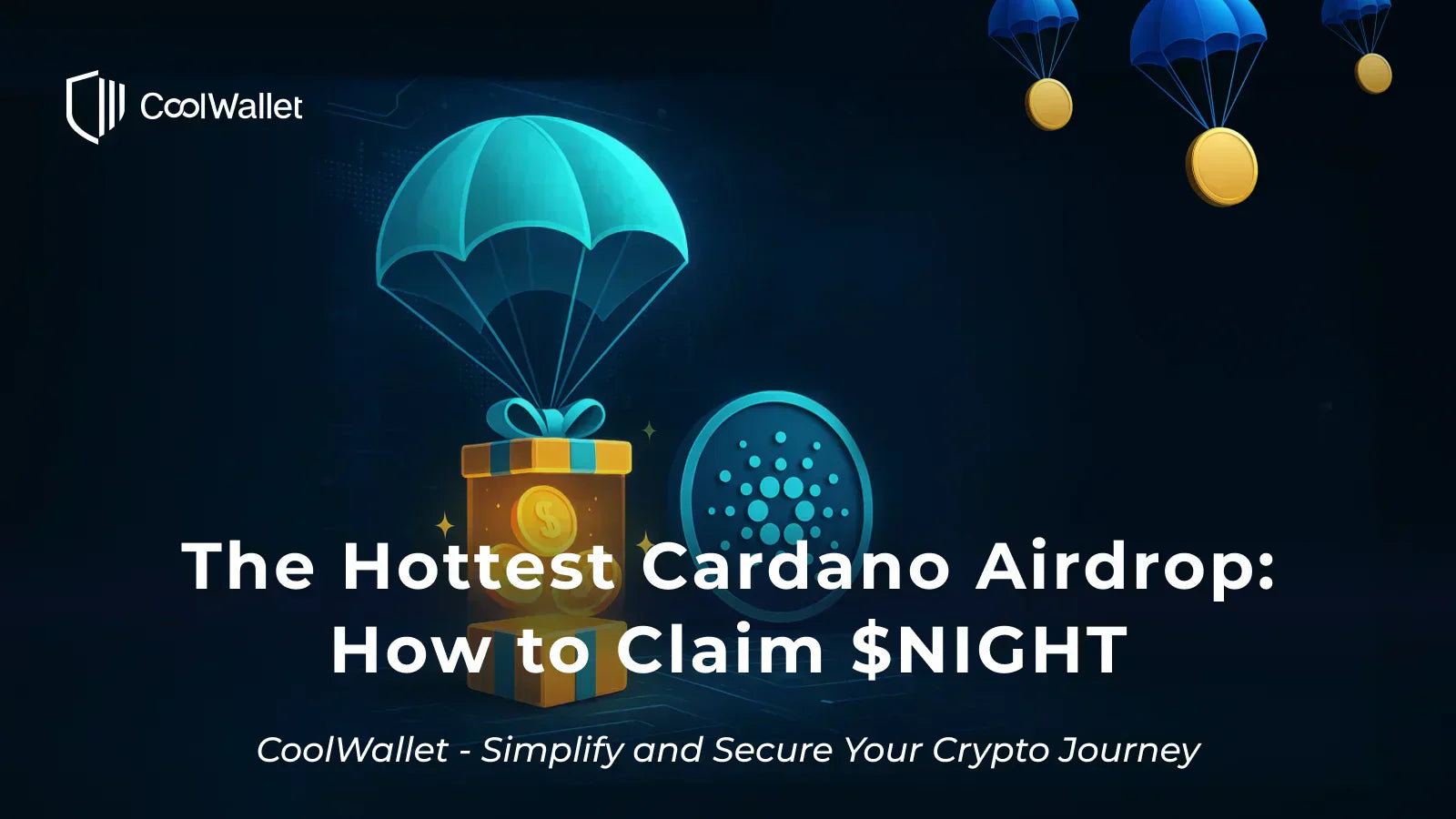
Want to claim one of the hottest airdrops in the Cardano ecosystem, the $NIGHT token? This guide walks you step by step through the process using your CoolWallet.

⚠️ Important: You must use a desktop or laptop computer to apply through the official Midnight airdrop site GlacierDrop ( https://claim.midnight.gd/). Mobile devices can only check application status. They cannot start a new claim. Always double-check the URL to avoid phishing sites.
If you’re using a CoolWallet Pro or Go, have your cold wallet device ready for the signature verification process.
Content
- Airdrop Process Overview
- Step 1. Check If You’re Eligible
- Step 2. Create a Cardano Wallet (Yoroi, Eternl, or Lace)
- Step 3: Enter Your $NIGHT Receiving Address
- Step 4: Accept Terms & Complete Signature Verification
- Submit Your Claim & Wait for Distribution
- FAQs
Airdrop Process Overview
Official claim site: https://claim.midnight.gd/
-
Claim period opens: August 5, 2025
-
Deadline: October 4, 2025 (60 days total)
Below is the full step-by-step process to claim your $NIGHT airdrop.

Step 1. Check If You’re Eligible
Go to the official claim site: https://claim.midnight.gd/.
Click “Start a new claim now”, select the Cardano chain, then choose “I want to enter an address manually.”


Open the CoolWallet App, copy your Cardano address, and paste it into the claim platform.
If eligible, you’ll see: “Your Original address is eligible for a NIGHT allocation” along with the estimated token amount. ⚠️ Eligibility is determined by the project team. CoolWallet cannot confirm this for you.


Step 2. Create a Cardano Wallet (Yoroi, Eternl, or Lace)
If your address is eligible, you’ll need to create a new Cardano wallet to receive $NIGHT. Please use one of the officially recommended wallets.
⚠️ The official Midnight airdrop site GlacierDrop only accepts fresh, unused wallet addresses as $NIGHT receiving addresses (no prior transactions or interactions on the Cardano blockchain). To ensure your claim goes smoothly, always create a brand-new wallet and do not reuse old addresses.
For more details, please refer to the official instructions: https://www.midnight.gd/faq
⚠️ Do not restore a new Yoroi, Eternl, or Lace wallet with your CoolWallet seed phrase. Doing so would remove the cold-storage security of your CoolWallet.
Also note: CoolWallet only supports Cardano’s native $ADA token, not other Cardano-based tokens. To receive $NIGHT, you must use one of the recommended wallets below.
Officially recommended Cardano wallets:
- Yoroi official website: https://yoroi-wallet.com/
- App Store: https://apps.apple.com/us/app/emurgos-yoroi-cardano-wallet/id1447326389
- Android: https://play.google.com/store/apps/details?id=com.emurgo&hl=en
- Eternl official website: https://eternl.io/
- App Store: https://apps.apple.com/de/app/eternl-by-tastenkunst/id1603854385
- Android: https://play.google.com/store/apps/details?id=io.ccvault.v1.main&pli=1
- Lace official website: https://www.lace.io/

Step 3: Enter Your $NIGHT Receiving Address
On the airdrop site, select “I want to enter an address manually,” then choose your newly created wallet (Yoroi, Eternl, or Lace) and paste in its $NIGHT receiving address.


Step 4: Accept Terms & Complete Signature Verification
Check the box to agree to the airdrop terms.

Follow these steps to complete the signature verification:
Open the CoolWallet App, go to the Cardano token page, tap the three-dot menu in the top right corner, and select “Signature.”

Copy the “Unique claim message” from the airdrop site and paste it into the Data field on CoolWallet’s signature page.

Use your cold wallet to sign the message.


Copy the generated Signature and Public Key, then paste them back into the claim site’s fields.

Submit Your Claim & Wait for Distribution
Once complete, the airdrop site will confirm your submission. Simply wait for $NIGHT distribution.

FAQs
Q1: Do I have to use a cold wallet?
Not necessarily. If your eligible address is from a CoolWallet hot wallet, you can still apply. Signature verification will instead require biometrics or a password.
Q2: Which wallet will receive the $NIGHT tokens?
Tokens will be sent to the Yoroi, Eternl, or Lace address you provided, not to your CoolWallet.
Q3: When will $NIGHT be distributed?
For claims placed during the Glacier Drop and Scavenger Mine phases, token allocations begin to thaw (unlock) during the Redemption period, after the first two claim phases are complete and upon launch of the Midnight mainnet.
These tokens will thaw in four 25% installments over a 360-day period. The date of the first thaw of each allocation is randomly set to fall between days 1 and 90, with subsequent installments thawing every 90 days from the previous one. You can choose to redeem each share as it thaws, or wait until your entire allocation thaws and redeem your whole allocation at once.
Distribution details are determined by the project team. CoolWallet only provides application guidance. For full details, please visit https://www.midnight.gd/how-to-get-night.
Q4: Besides Cardano, which chains can CoolWallet claim airdrops on?
CoolWallet currently supports airdrops on AVAX, BNB, and Ethereum via WalletConnect.
However, because eligible BTC addresses for $NIGHT use formats not supported by CoolWallet, you cannot claim BTC-based $NIGHT allocations.
Share:
CoolWallet’s New Feature: Multi-Wallet Management
Announcement on Ethereum (ETH) and Stablecoin Staking