

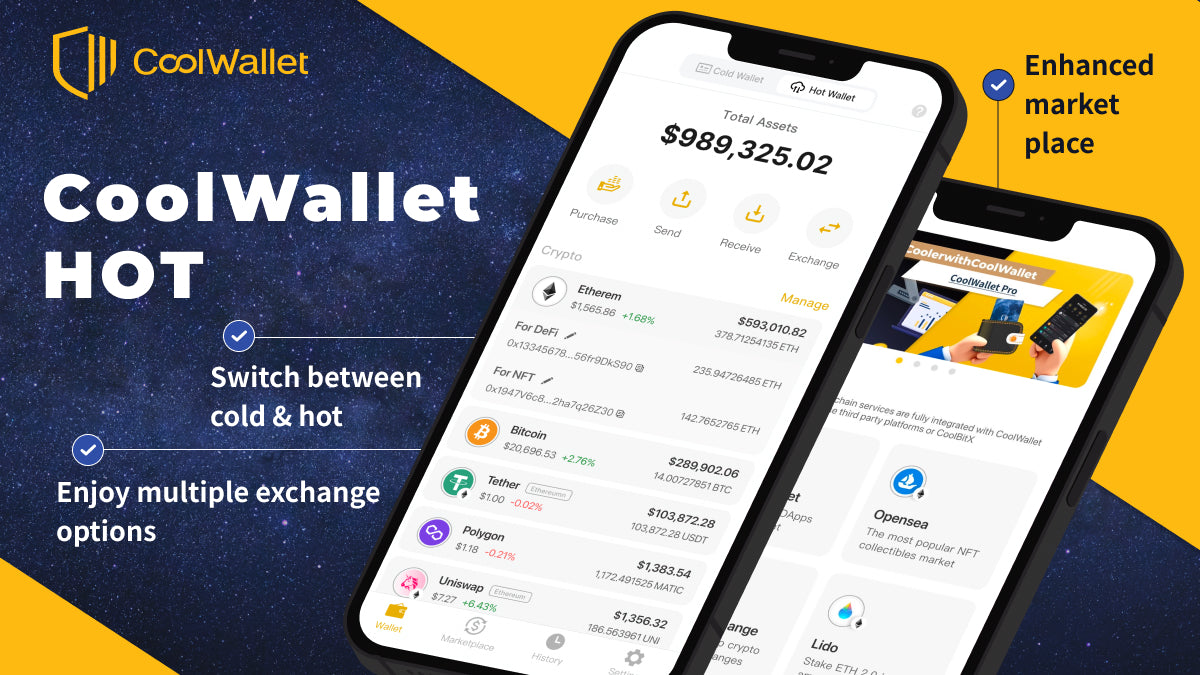
CoolWallet HOT is a brand new non-custodial hot wallet designed for further Web3 features. Different from a cold wallet, a hot wallet is always connected to the internet and cryptocurrency network. That is to say, when you use a cold wallet, the private key is stored offline in hardware, like CoolWallet Pro/S; when you use a hot wallet, the private key is stored in a device, e.g. your smartphone, laptop.
In the CoolWallet App, CoolWallet HOT works independently from the original cold wallet module that needs to be paired with CoolWallet Pro/S. It means that you can manage separate web3 wallets in one App.
As CoolWallet HOT and CoolWallet COLD are DIFFERENT wallets, here are some points you need to know:
- Save the most of your crypto and the most valuable assets in CoolWallet COLD, while leaving some in CoolWallet HOT for daily high-frequency transactions.
-
Recovery Phrase
- NEVER use the recovery phrase of your cold wallet for your hot wallet, which will make the assets in your cold wallet lose protection of CoolWallet Pro/S.
- Write down your recovery phrases and keep them safe. NEVER ever take a screenshot or share your recovery phrase with anyone.
- CoolWallet does not keep any copy of your recovery phrase. Your assets will be lost if you lose the recovery phrase.
-
Screen Lock Password
- Please keep your screen lock password safe. If you forget your password to unlock the App, you will need to reset the App. Once you reset the App, all information in CoolWallet App will be removed, including CoolWallet COLD and HOT. You can only recover your wallets with your recovery phrases.
It's time to activate your CoolWallet HOT now!
Activate CoolWallet HOT
Step 1. Download or update to the latest CoolWallet App (version 3.0.0 or above) and open the App. Have your recovery phrase ready if you want to use your existing wallet, or prepare a pen and paper to write down a new recovery phrase if you are going to create a new wallet.
Download the CoolWallet App
If you want to recover your wallet by using your recovery phrase, please go to Step 4. Otherwise you can click on “Create a New Wallet'' to activate a new one.
If you are new to the CoolWallet App, you will see the following interface:

If you are already a CoolWallet Pro/S user, please click on “Hot Wallet” on the top switcher.

Step 2. Create a password that is used for CoolWallet App screen lock and transaction verification. You can also simply switch on the button to enable biometric authentication. Please confirm that you will keep your own password and click “Next” for the next step. It's very important to read “About Recovery Phrase” carefully. Click “I understand” to get the recovery phrase for your new wallet.
For CoolWallet Pro/S users: The new password will REPLACE your old PIN code. You will need the new password to open the CoolWallet App and to verify transactions of the CoolWallet HOT. You will still need your CoolWallet Pro/S to verify the transactions of CoolWallet COLD, which is your original wallet in the App.

Step 3. Please follow the instructions to write down the words. Never take a screenshot nor share your recovery phrase with anyone. Click “Next” after you have already written down the words in the same order. Then please click on the words in the same order to verify if you write the words correctly. Your CoolWallet HOT will be successfully created if you enter the words in a correct way.

Step 4. For those who already have a crypto wallet and want to recover it by using recovery phrase.
Please type in your recovery phrase and create a password that is used for CoolWallet App screen lock and transaction verification. You can also simply switch on the button to enable biometric authentication. Please confirm that you will keep your own password and click “Done” to recover your wallet.
For CoolWallet Pro/S users: NEVER use the recovery phrase of your cold wallet for your hot wallet.

About Settings Page
- Security Settings
You can manage security preference and change your password.

- Wallet Serial No.
Wallet Serial No. is a serial number of your CoolWallet HOT. If there are any questions regarding your CoolWallet HOT, welcome to contact our customer service with your Wallet Serial No. It would speed up the progress.
Tips: You can simply long-press the Wallet Serial No. to copy it.

Want to know more? Choose a topic you are interested in :)
- How to Add Coin/Token to My CoolWallet HOT
- How to Receive and Send Crypto
- How to Stake ETH
- How to Exchange Crypto

Share:
Proof of Keys vs Proof of Reserves: Why Crypto Self-Custody is Best
CoolWallet App Launches New Web3 Hot Wallet Module for Safe Self-Custody