Recent reports have revealed new vulnerabilities within the crypto hardware wallet community involving manipulated transactions. These attacks specifically target individuals who trade with Bitcoin (BTC) fork tokens such as Litecoin (LTC) and Bitcoin Cash (BCH).
The exploit can be found within the app being used to make the transactions by address swapping that can go easily unnoticed by the user. This allowed bad actors to effectively fool their victims into transferring a large amount of highly valued crypto when they originally intended to send that of lower value. In other words, addresses and currency being transferred out of the hardware wallet were manipulated from what the app displayed.
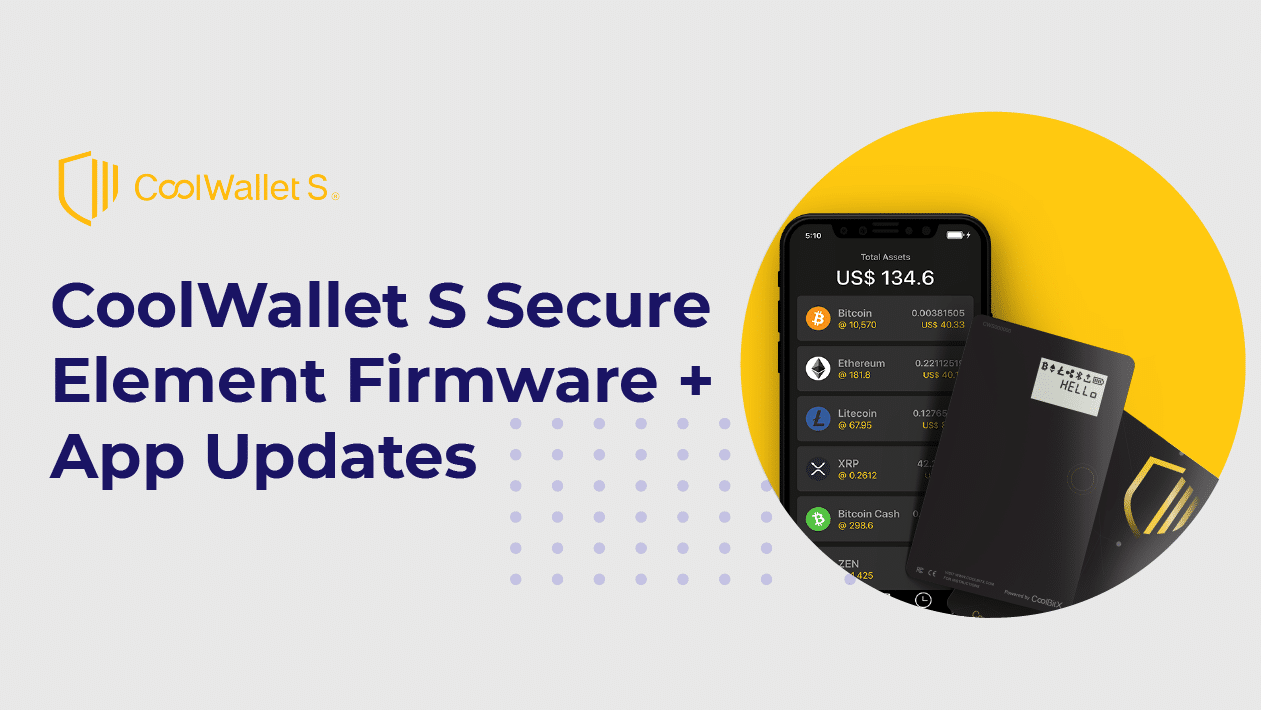
To prevent this happening, the team at CoolWallet S is proud to bring some exciting new updates to both its SE Chip via a firmware update and new security features to the CoolWallet app.
Before updating the firmware on your CoolWallet S, please perform the following steps:
- Remove the CoolWallet App from your device. Please also make sure that you have your backup seeds handy.
- Go to the Bluetooth settings of your device and remove CoolWallet S from the list.
- Reinstall the CoolWallet App from either the App Store or Google Play Store.
- Open the app and select your CoolWallet S by serial number and click Reset.
- Once the reset is complete, select your CoolWallet S and tap Connect.
- Select Recover and enter your backup seeds to retrieve your wallet data.
- You may now update your firmware.
CoolWallet S firmware and app updates address security concerns
The SE 101 firmware update for CoolWallet S enables address and token verification on the wallet’s e-ink screen. A new address verification feature has also been added to the app to enable it. Once the firmware and app have been updated, users can now verify transactions on both the app and the CoolWallet S itself. Ultimately, these updates will put a stop to any address or coin manipulation.
Transactions being made with coins that are natively supported on CoolWallet S will be displayed with their respective logos. However, transactions made with other coins will be verified in two displays: the native coin being used to sign the transaction and then the actual coin being transferred.
CoolWallet S: What's new in firmware update
Let's take a look at how it all looks. In this example, we’ll be sending 40 USDT that will be signed on the Ethereum (ETH) blockchain.
In the app, the currency, amount and address will be displayed. Once address verification is enabled, the app will ask you to verify the transaction on the card.

On the CoolWallet S, the “ETH” symbol will display indicating that the Ethereum blockchain will be used to sign the transaction.

Shortly after, the “USDT” symbol will display to indicate that the transaction will be in USDT.

The amount of USDT to be transferred will then be displayed.

If everything is correct, you may press the button to verify the transaction.

You may refer to the table below to see what currencies CoolWallet S currently supports and their transaction authorization information.
| Transaction | Page 1 | Page 2 | Page 3 | |
| 1 | Stellar | XLM | N/A | Transaction Amount |
| 2 | Kinesis KAU | XLM | KAU | Transaction Amount |
| 3 | Kinesis KAG | XLM | KAG | Transaction Amount |
| 4 | Bitcoin | BTC | N/A | Transaction Amount |
| 5 | USDT Omni | BTC | USDT | Transaction Amount |
| 6 | Binance BNB | BNB | N/A | Transaction Amount |
| 7 | BUSD | BNB | BUSD | Transaction Amount |
| 8 | ERC20 Tokens | ETH | Transaction Amount | |
| 9 | Litecoin | LTC | N/A | Transaction Amount |
| 10 | XRP | XRP | N/A | Transaction Amount |
| 11 | Bitcoin Cash | BCH | N/A | Transaction Amount |
| 12 | Icon | ICX | N/A | Transaction Amount |
| 13 | Zen | ZEN | N/A | Transaction Amount |
| 14 | Ether | ETH | N/A | Transaction Amount |
If you have any other questions about the firmware and app updates and/or you are having trouble updating, please feel free to contact our support page at anytime.
Share:
1,400 Bitcoins (BTC) Stolen from an (outdated) Electrum Wallet
Update Your CoolWallet To Negate Potential Bluetooth Vulnerability