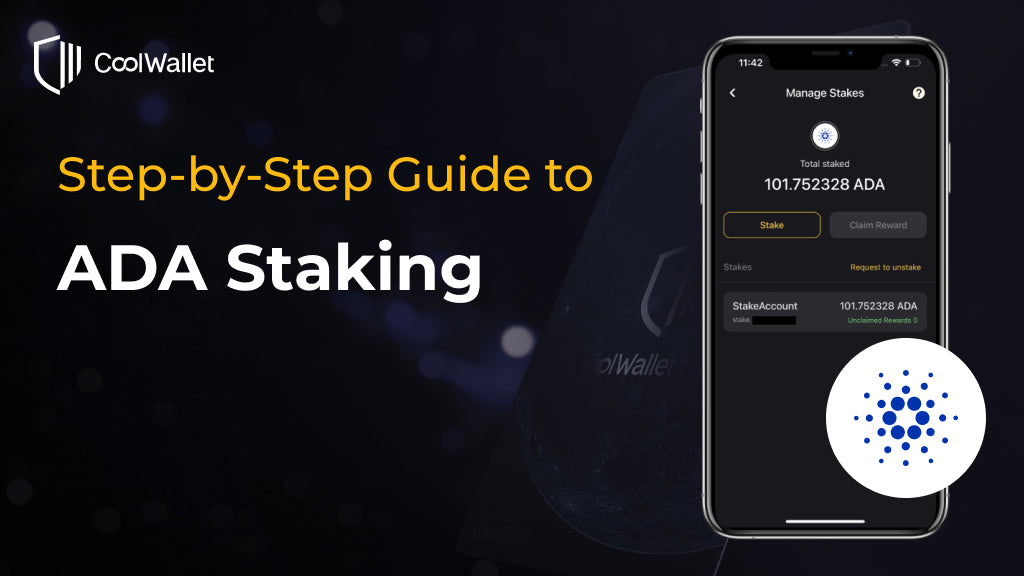
What is ADA Staking?
Cardano operates on a proof of Stake (PoS) consensus mechanism. You can easily participate in transaction validation on the Cardano mainnet and earn rewards with the staking service on the CoolWallet App.
How to stake ADA?
Please check our step-by-step guide for ADA staking.
How is the ADA staking reward calculated?
The first staking reward will be distributed to your staking account around 20 days after you start staking, and subsequent rewards will be distributed every five days. Each distribution will be calculated based on your total assets at that time, and the reward will be automatically included in the staking pool for compounding interest. The validator will take a commission from the total earnings, and the rest will be distributed to stakers as rewards based on their stake amounts.
How to claim the ADA staking rewards?
You can see the unclaimed rewards on the ADA staking page. After clicking the "Claim Reward" button, you can select the address where you want to receive the reward and proceed with the transaction.
How to retrieve the staked assets?
After clicking "Unstake," please select the address to receive the 2 ADA deposit fee and start the transaction to unstake.
Step-by-Step Guide for ADA Staking
Step 1. Download the latest CoolWallet App and have your CoolWallet Pro ready. Click “Marketplace” on the bottom bar to the Marketplace page.
Download the CoolWallet App >>

Step 2. Click the “Staking” block. Then choose “ADA”.

Step 3. If you have not activated ADA in your wallet, please click “Activate ADA” and long-press the button on your CoolWallet until ”Hello” shows up on your card. Then it will take around 30 seconds to activate ADA in your CoolWallet App. After activating ADA, click “Stake” to delegate your ADA address.
According to the Cardano mechanism, you will stake all your ADA assets using the same set of private keys. The staked assets will not be locked during the staking period, allowing you to continue sending and receiving additional ADA. To initiate ADA staking, a deposit fee of 2 ADA is required, which will be refunded upon unstaking ADA. Therefore, please choose the ADA address for the fee payment and click "Continue" to proceed to the next step.
If you don't have enough ADA to stake, you can simply make a crypto purchase or swap your crypto to ADA in the CoolWallet App (not financial advice!). CoolWallet App is currently supporting crypto purchase services from MoonPay, Banxa, and Simplex and crypto swap services from ChangeHero, and Changelly.

Step 4. On the "Transaction Confirmation" page, you can review the staking information, which includes the deposit fee to be sent out, the transaction fee, and your wallet address. Proceed with the "Continue" button only if all the information is accurate. Now, you need to connect your CoolWallet to the CoolWallet App. Please press and hold the button on your CoolWallet to activate it.
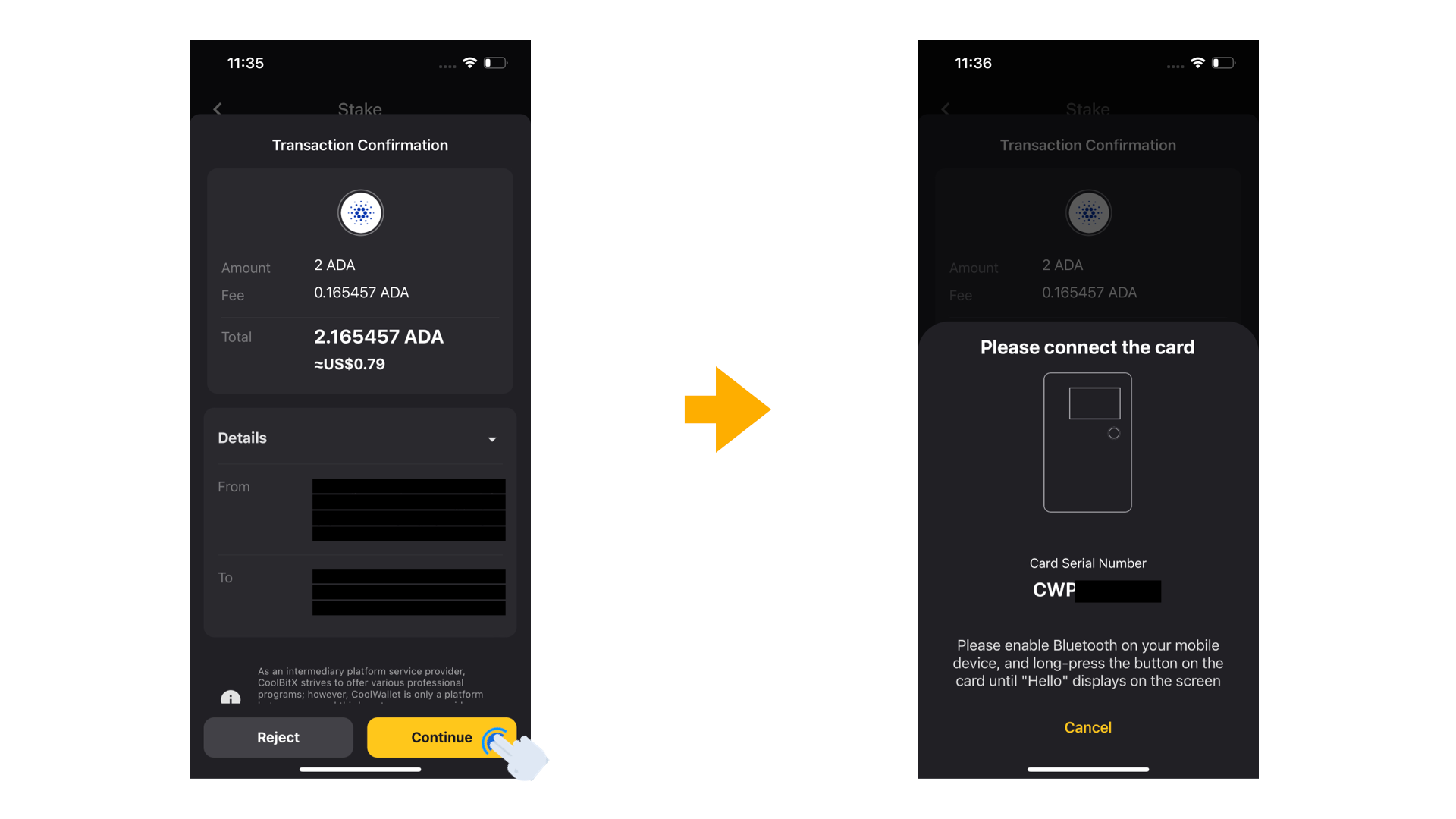
Step 5. After activating your CoolWallet, the card screen will display the message "Hello." If your CoolWallet Pro has successfully connected to the CoolWallet App, simply follow the instructions and press the button on the card to complete the process.

Congratulations! You have successfully staked ADA. On the "Manage Stakes" page, you can check your unclaimed rewards, claim rewards, and initiate the unstaking process.

Share:
Ledger Sparks Huge Seed Phrase Custody Controversy, CoolWallet Responds
CoolWallet Adds Support For WalletConnect 2.0