

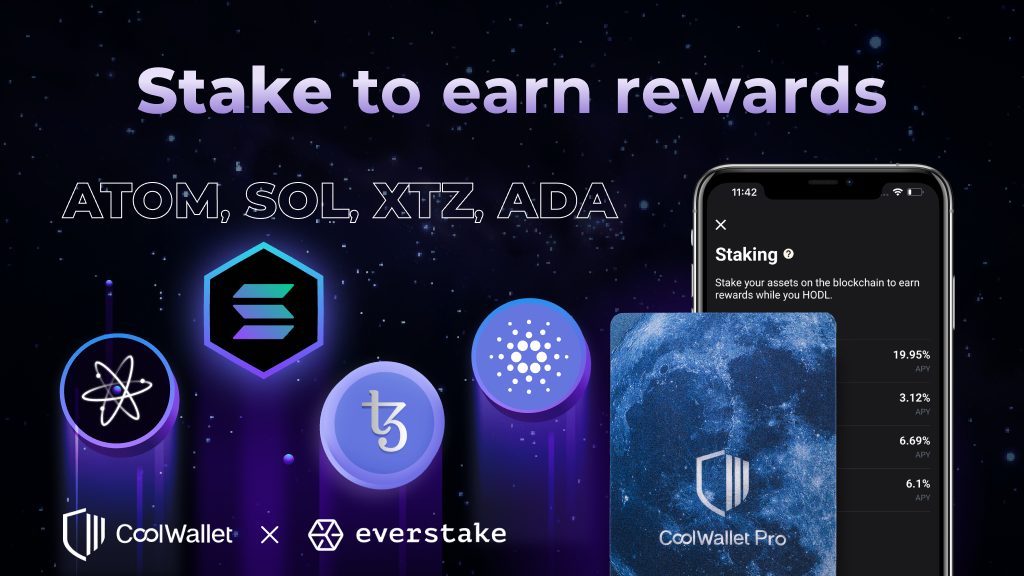
Want to earn passive income through XTZ staking? In this guide you will learn how to stake XTZ via Everstake in the CoolWallet App step by step.
Step 1. Download the latest CoolWallet App and have your CoolWallet Pro ready. Click “Marketplace” on the bottom bar to the Marketplace page.
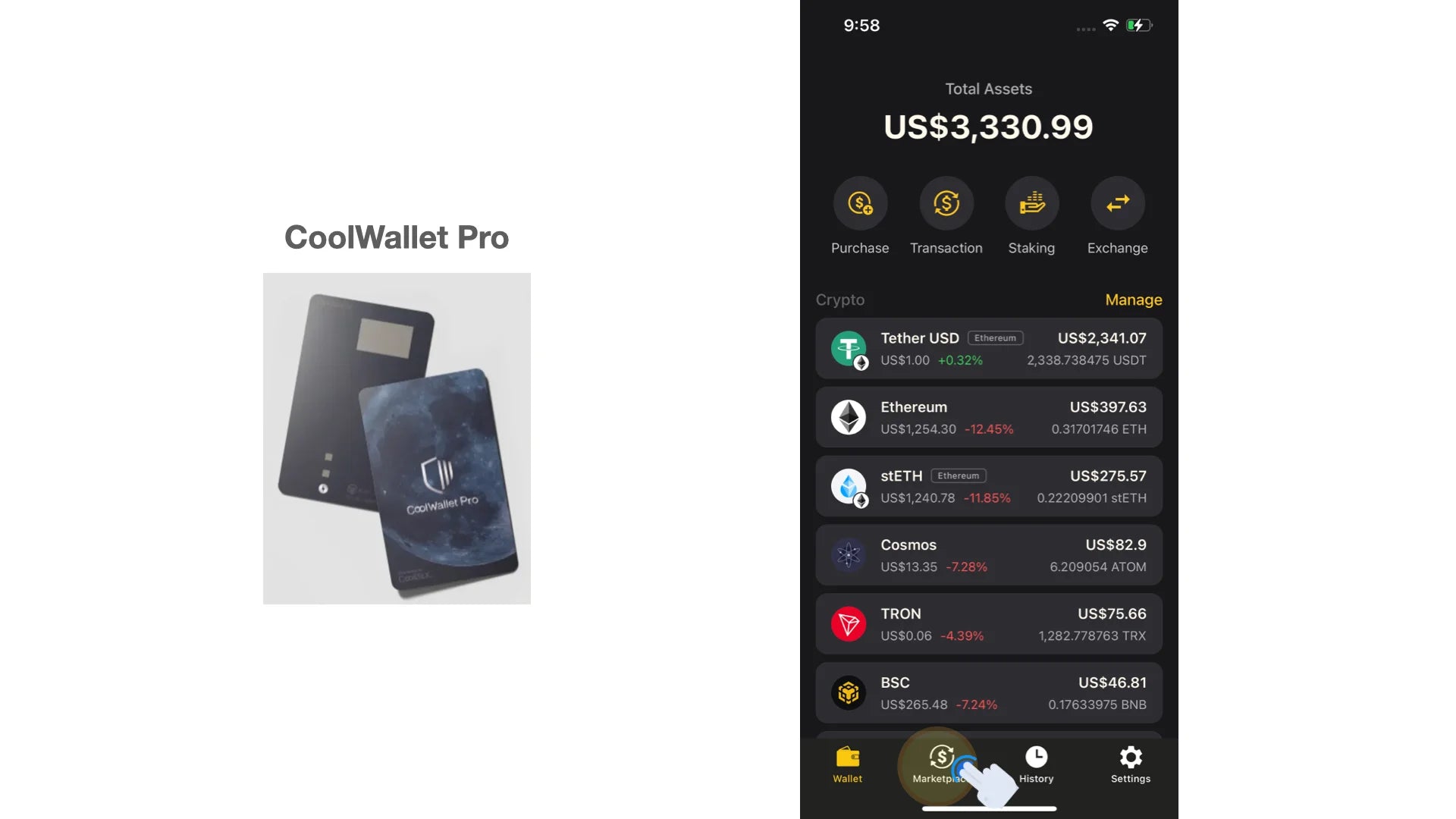
Step 2. Click the “Staking” block. Then choose “XTZ”.

Step 3. If you have not activated XTZ in your wallet, please click “Activate XTZ” and long-press the button on your CoolWallet until ”Hello” shows up on your card. Then it will take around 30 seconds to activate XTZ in your CoolWallet App.
If you have already activated XTZ, feel free to jump to Step 4.

Step 4. After activating XTZ, click “Stake” to delegate your XTZ address. On the “Stake” page, you can click the down-side arrows to select your XTZ address to delegate. Everstake is set as the validator by default. Then click “Continue” for the next step.
Please note that you will not be able to delegate your XTZ address if the amount of XTZ is not enough for transaction fees.
If you don't have enough XTZ to stake, you can simply make a crypto purchase or swap your crypto to XTZ in the CoolWallet App (not financial advice!). CoolWallet App is currently supporting crypto purchase services from Simplex and Banxa, and crypto swap services from ChangeHero, and Changelly.

Step 5. On the “Reveal request” page, you can check the staking information, including fee, the amount of XTZ, wallet address. Click “Reveal” only if you confirm the information is correct. Now you need to connect the CoolWallet App and your CoolWallet. Please long-press the button on your CoolWallet to activate it.

Step 6. When you activate your CoolWallet, “Hello” will be shown on the card screen. Check whether your CoolWallet is successfully connected to the CoolWallet App. If the connection is successful, your CoolWallet will show the coin type “XTZ” first, and show the instruction “Reveal”, “PRESS button”, and “Sent” sequentially. You just need to follow the instruction to press the button on the card to complete the process.

Congratulations! You have successfully staked your XTZ via Everstake. What you need to do next is to continuously receive staking rewards!

What is Tezos (XTZ)?
XTZ is the native token of the Tezos blockchain that is known for its built-in governance mechanism to upgrade the network. By the Proof of Stake (PoS) mechanism various participants in Tezos reach consensus on the state of the blockchain. To become a network validator, known as a “baker” who creates, signs, and publishes new blocks to the Tezos blockchain, a participant needs to hold 6,000 XTZ. If you don’t want to set up the required hardware nor own 6,000 XTZ, you can delegate your coins to a baker to earn rewards.
Click here to learn more about Tezos (XTZ)
How does the mechanism work?
To stake XTZ, you will need to delegate your XTZ wallet address in CoolWallet. The XTZ wallet address will then be paired with a baker. All of the XTZ in the wallet address will be considered staked. However, during the staking period, you can still carry out general transactions of XTZ. The amount of staking rewards is based on the wallet balance on the date Tezos distributes them.
The amount of staking rewards depends on the network conditions, in particular, the fixed supply in the network, transaction fees, and block times. In addition, the performance of the baker's earnings and other important factors also have an influence on the staking rewards. Currently, the APY of staking XTZ is around 6.09%, excluding fees.
According to the operating protocol of Tezos, the first staking rewards will be locked on the Tezos network for around 30 days. The first staking rewards will be sent to the baker after the locking period. The release time of staking rewards from the baker will be different depending on its operating condition. It usually takes 0 - 14 days for the baker to send out the rewards to the staker. Therefore, you will receive the first staking rewards in 30 - 44 days. After your first rewards, every reward after that will be directly sent to your delegated address every 2 - 3 days.
Enjoy passive income while being protected by your CoolWallet Pro!

Share:
Jack Dorsey Unveils Web5: A Bitcoin-powered Web3 Killer?
CoolWallet Partners With Everstake For XTZ, SOL, ATOM, ADA Staking!