

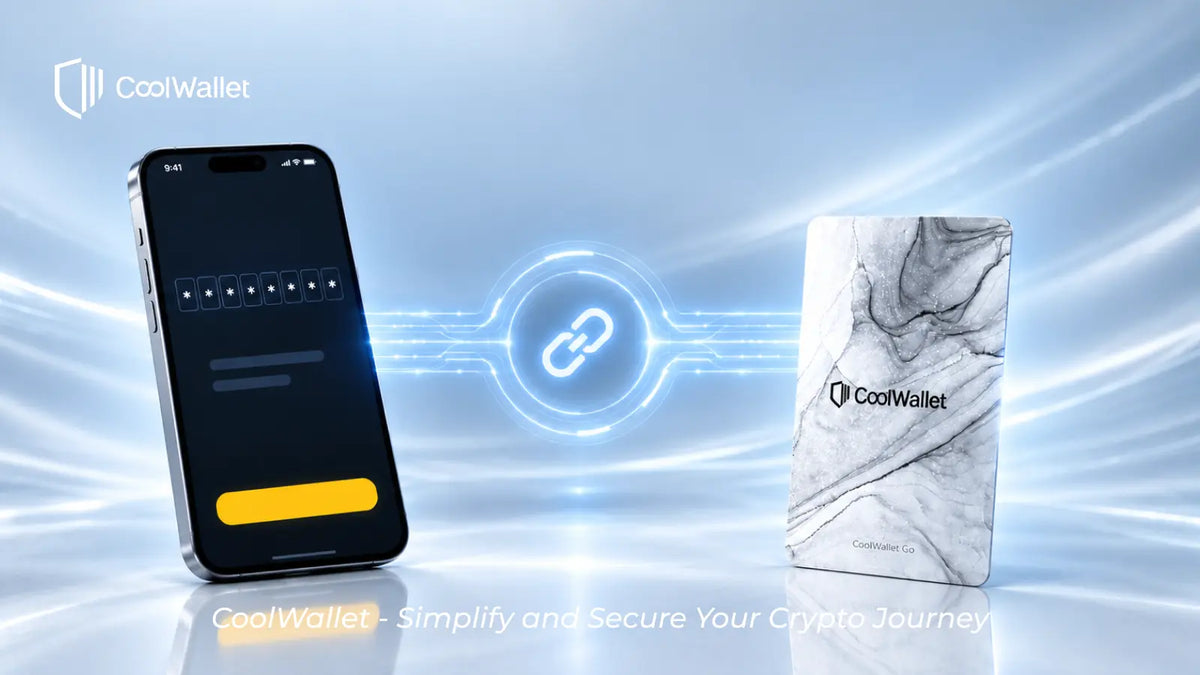
If you forget your CoolWallet Go pairing password, there is no way to re-pair your card with a new phone without it.
CoolWallet Go is designed with a self-custody security model, meaning users are fully responsible for managing their private keys and access credentials. For security reasons, CoolBitX cannot reset, retrieve, or bypass your pairing password.
If your wallet’s recovery phrase was generated by the card and you did not back it up, the card cannot be re-paired with any new device.
Your assets remain safely stored on the blockchain, but without the pairing password or recovery phrase, they cannot be accessed, managed, or transferred.
Key Reminder 💡 Always securely store your CoolWallet Go pairing password &CoolWallet Go Primary Card、Backup Card . It is essential for recovering your wallet on a new phone.


Share:
CoolWalletから暗号通貨を送る方法
CoolWallet S Firmware Update Issue